
A new starter’s first day
Eight steps, from signing in at the gate to starting work, each on its own panel.
The picture manual
New tools and new ways of working are turning up in every business, and new people start every week. Some tasks are just easier shown than read off a page. So I built a skill that turns any task into a picture manual. Here’s how it fits together, and the first piece you can try today.
How it works
Mine runs on Claude with an image model. The steps work the same in any AI that can draw.
Talk it through the way you’d show someone. Rambling is fine.
It breaks the task into steps and waits for you. It never adds one you didn’t give it.
One sheet, one panel per step, drawn like flat-pack instructions.
Every step gets its own sheet, and every sheet gets checked against the steps.
One page for the team. Tap a step and it opens up into its own sheet.
What mine does
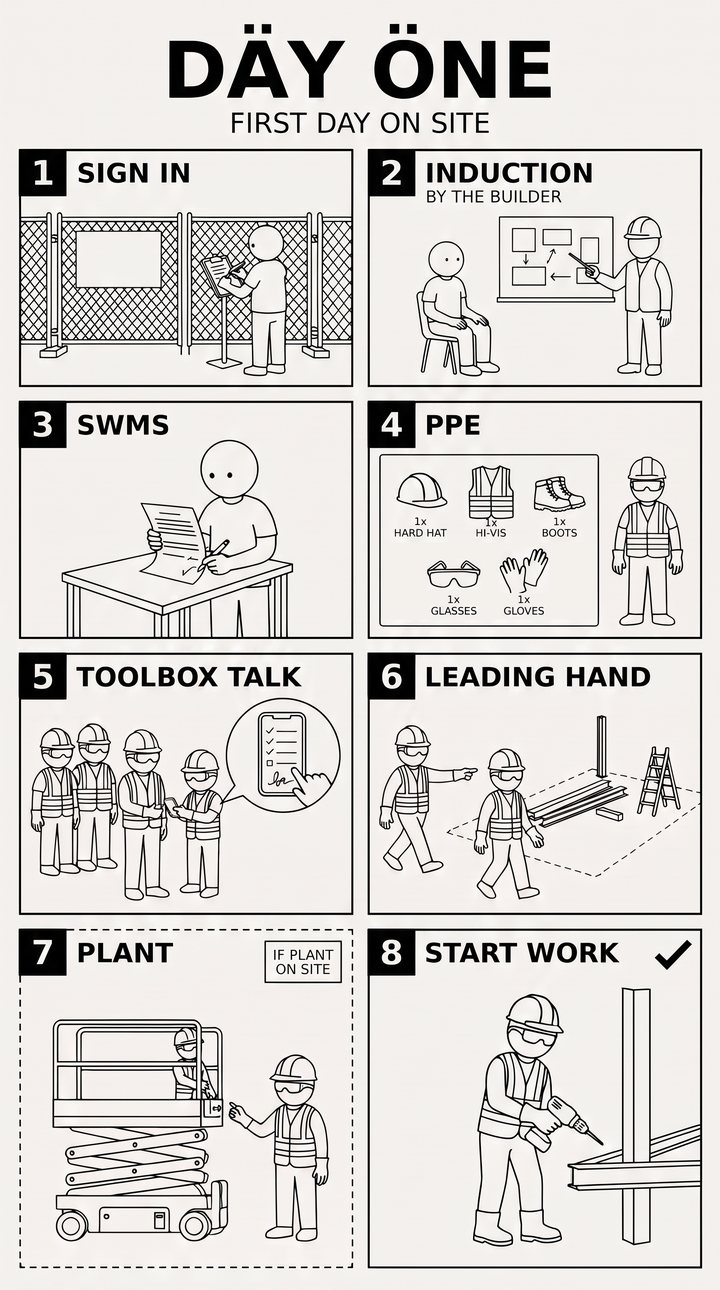
Eight steps, from signing in at the gate to starting work, each on its own panel.
Tap a step and it opens its own sheet, broken down step by step.
Signing the toolbox talk on one phone, shown as seven pictures for whoever starts next.
Every picture gets checked against the steps. Image tools make things up, so nothing goes on a wall unchecked.
Pictures carry the steps, so it works whatever language your team reads best in.
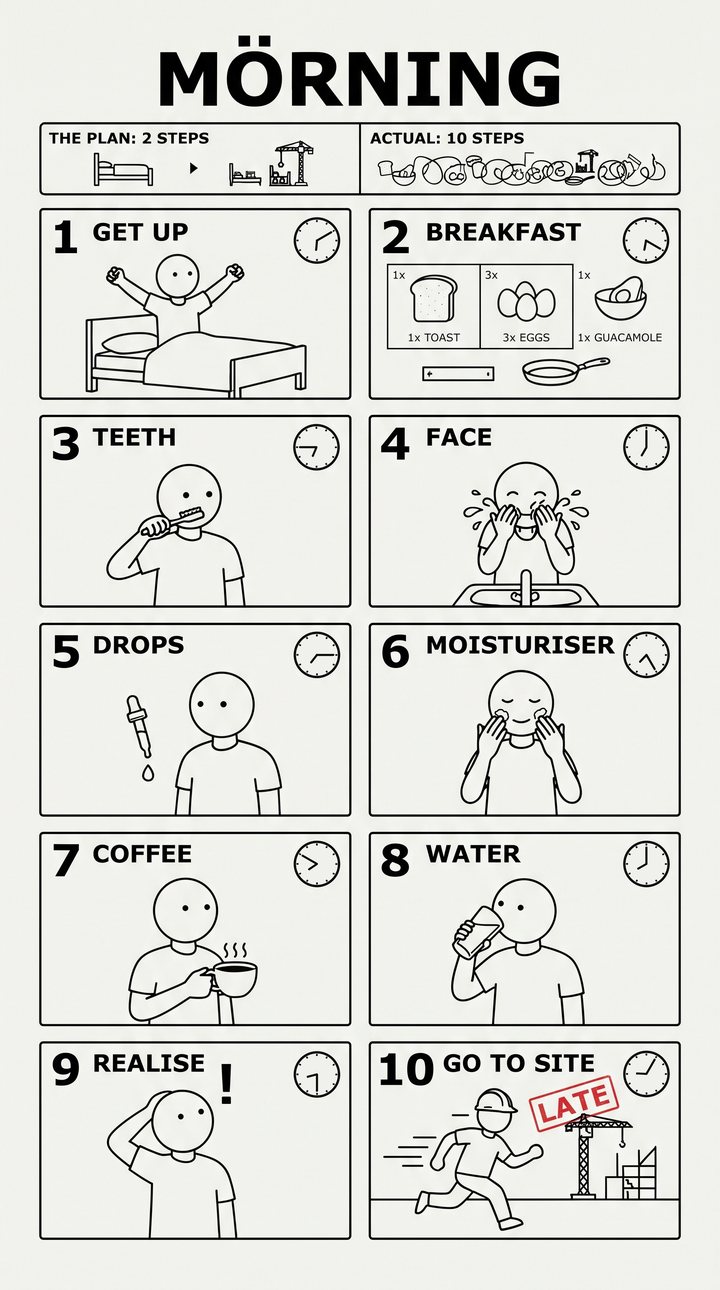
My own morning, as a ten-step manual. Three eggs, and it shows.
Try it today
This is the first part of my skill, as a prompt. No setup, no code. It works best in ChatGPT or Gemini, because they can draw. In Claude, it writes the drawing brief for you to paste into one of them.
You're going to help me turn a task into a one-page picture manual, drawn like a flat-pack furniture assembly sheet, so someone new can follow it at a glance.

1. If I haven't told you the task and who it's for, ask me. If I've only named the task, ask me to talk you through it step by step, the way I'd show someone. Nothing else yet.

2. Break it into 4 to 8 steps, in the order they happen. For each step give:
   - its number
   - a label of 1 to 3 words, in capitals (short: "CLEAN MACHINE", not "WIPE DOWN THE COFFEE MACHINE")
   - one plain sentence saying what to do
   Use only what I've told you. Don't add steps, tools, rules or safety steps I didn't mention. If something seems missing (a safety step, a tool, who does what), ask me about it in one line at the end instead of adding it. Then stop and wait. I'll either fix the list or say "draw it".

3. When I say "draw it", make one image:
   - portrait (9:16), clean black line art on off-white paper, in the style of a flat-pack furniture assembly manual
   - a big title in a made-up Scandinavian style (for example "MÖRNING" or "CLÖSE UP") and a plain subtitle saying what the task is
   - exactly one numbered panel per step in a grid, and no extra or empty panels (with an odd number of steps, make the last panel full width)
   - each panel has its number in a black square and its label in bold capitals
   - simple round-headed line-drawn people doing each step, and no other words
   - no brand names and no logos
   If you can't make images, write the drawing brief for me to paste into an image tool like Gemini or ChatGPT: one paragraph on the style that says exactly how many panels there are and that there are no extra or empty ones, then one line per panel in this form: Panel 1, labelled "COUNT TILL": a person counting the cash at the till.

4. After drawing, check your own image against the list: name any panel that's missing, extra, out of order, or has a word spelled wrong, and offer to fix it. Image tools often get words wrong, so always check.

If I say "change" with a fix (for example "change: swap steps 2 and 3"), update the list, show it again, and wait for "draw it".
You say
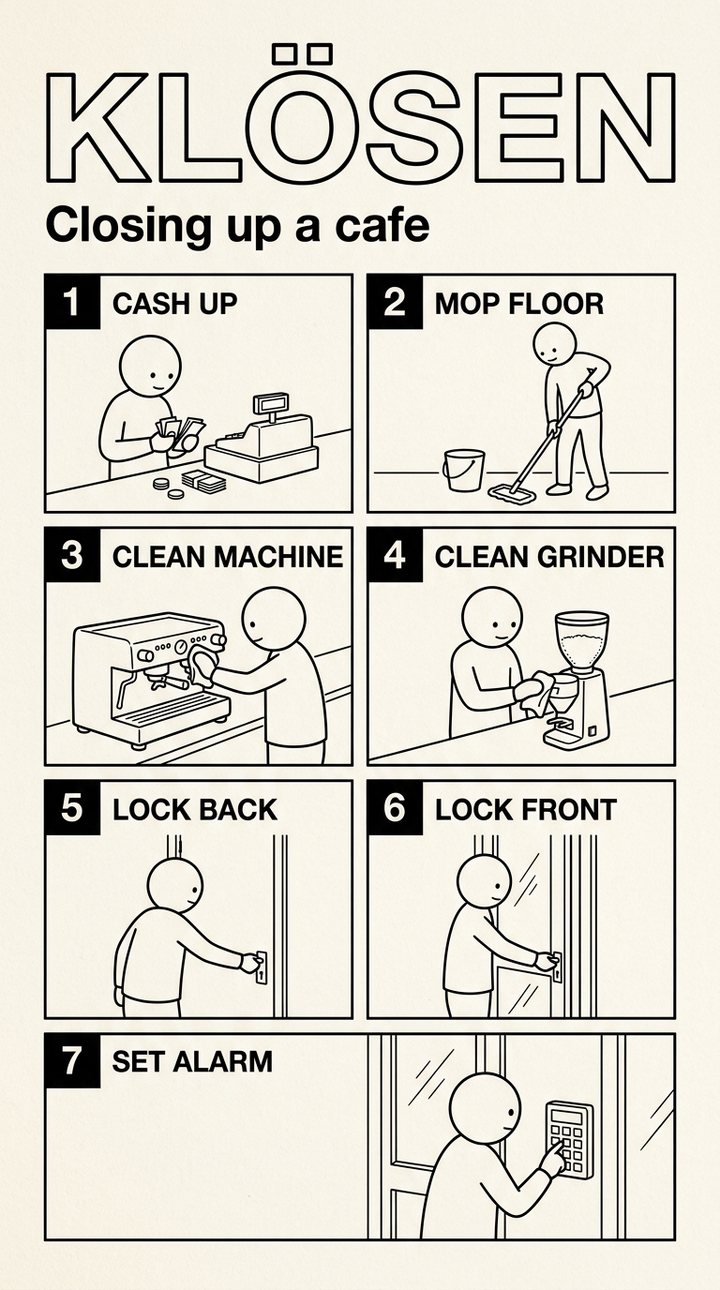
“OK so new starter at the cafe, they need to know how to close up at night, so count the till, wipe down the coffee machine and the grinder, mop the floor, lock the back door then the front, and set the alarm.”
You get back
1. COUNT TILL: Count all the money in the till.
2. CLEAN MACHINE: Wipe down the coffee machine.
3. CLEAN GRINDER: Wipe down the grinder.
4. MOP FLOOR: Mop the floor.
5. LOCK BACK: Lock the back door.
6. LOCK FRONT: Lock the front door.
7. SET ALARM: Set the alarm.

Do you turn off the coffee machine before wiping it?
It asks about the coffee machine, because I never said. It won’t add a step you didn’t give it, and that’s the point: a picture manual with a made-up step teaches the wrong thing faster than a document does.
The rest of it
Because the prompt gets you the first sheet. Mine goes further: every step gets its own sheet, every picture gets checked against the steps, and the lot goes on one page where you tap a step to open it.
Yours should be built around your work: your tasks, your safety rules, the way your team picks things up.
That’s what I do. We sit down, pick the tasks that take the longest to explain to someone new, and I build the set.
If that sounds useful, get in touch and we’ll book a call.